
Start
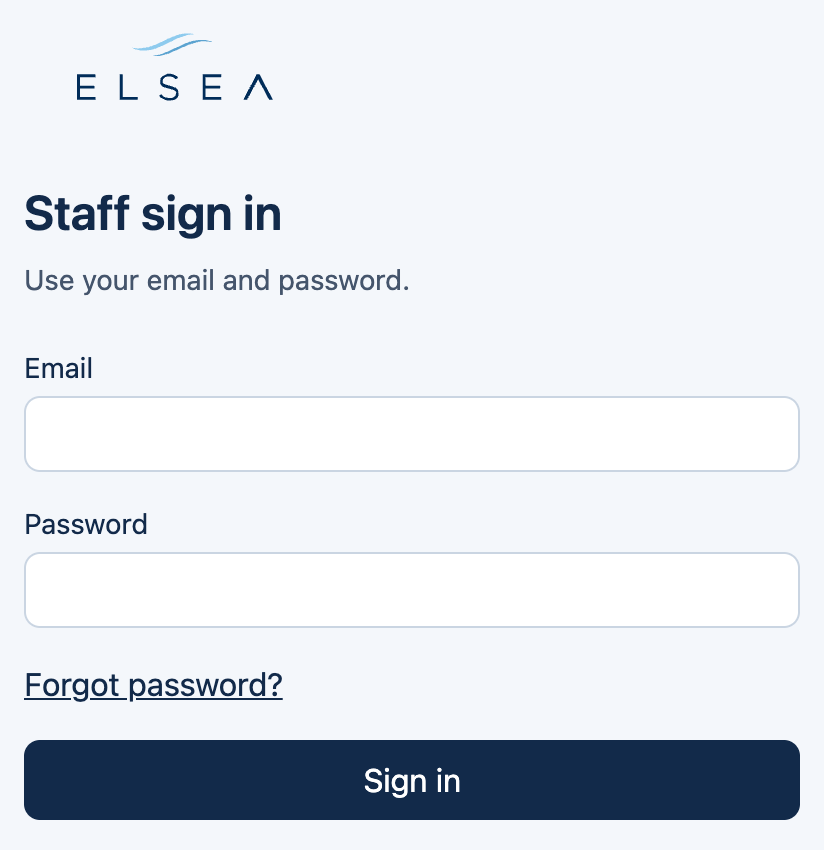
Sign in
Use the email a manager invited. You land on Home, where the open-request count is waiting.
-
Open the console
staff.elsea.biz. There is no public signup. A manager sends the invite.
-
Email and password
The first password is set from the invite link. It is at least 10 characters. Signing in accepts the terms.
-
A code, only on a new browser
A browser this account has used before goes straight in. A new one asks for a 6-digit code from email. The code lasts 10 minutes.
Your name
The name in the header opens Profile. Save name, or Update password (at least 10 characters). Sign out is at the bottom of that page.
Two roles
- Requests
- The desk role. Home, Requests, Offers, and QR codes.
- Manager
- Those pages, plus Usage, Content, and Staff. Email alerts and invites live here.