
Guest requests
What the guest does
They stay in My Stay. You see the same words on Requests a moment later.
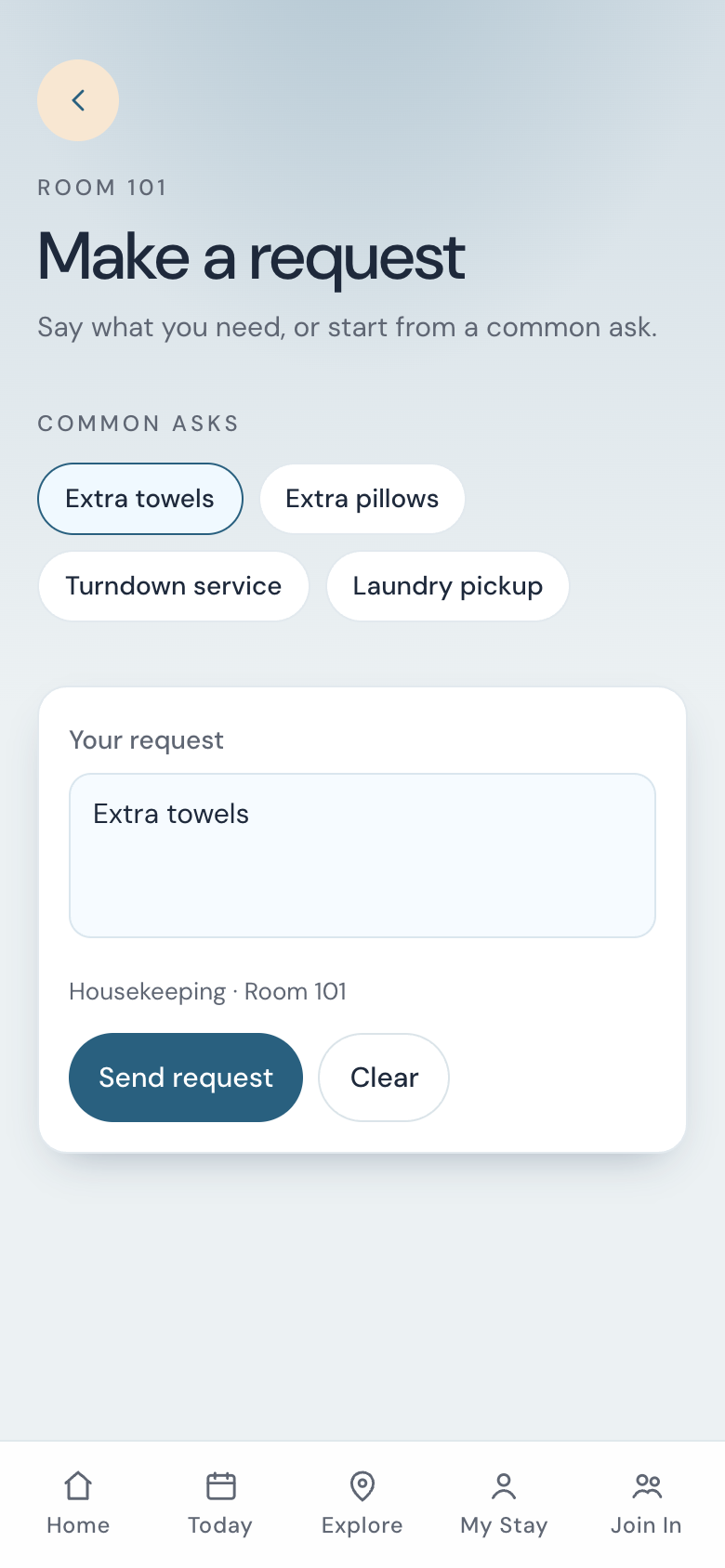
-
Open My Stay
The usual way is the QR in the room. Make a request sits under Need help.
-
Pick a starter, or type
A common ask fills the box and sets the department, such as Housekeeping. They can edit the words. A typed ask with no starter goes to Front desk. The limit is 200 characters.
-
Send
The request shows as New, then In progress, then Done. They can cancel while it is New or In progress.
-
Read your note on My Stay
When you mark it done, the card moves to My Stay. A note appears as Hotel: followed by your words. Dismiss hides that card on their phone.