
Guest requests
How requests work
One request. The guest and the desk see the same three steps: New, In progress, Done.
The path
-
Guest asks
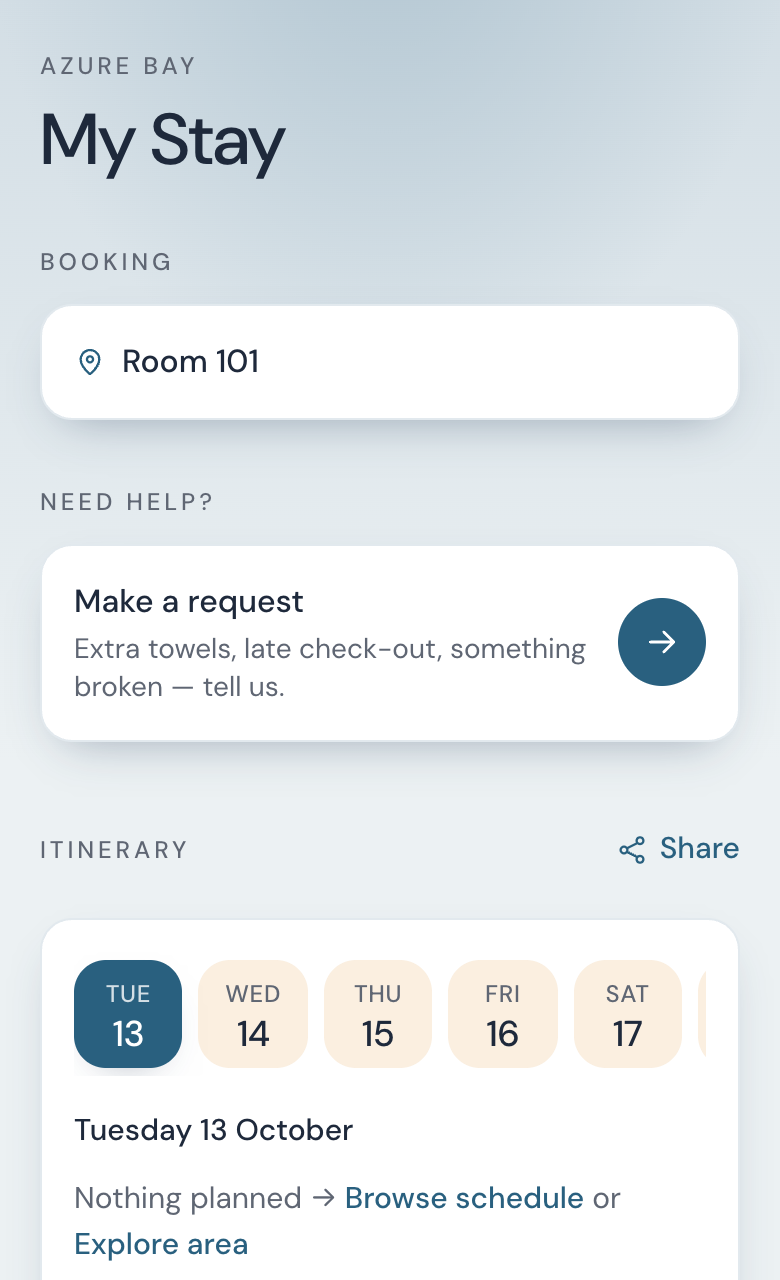
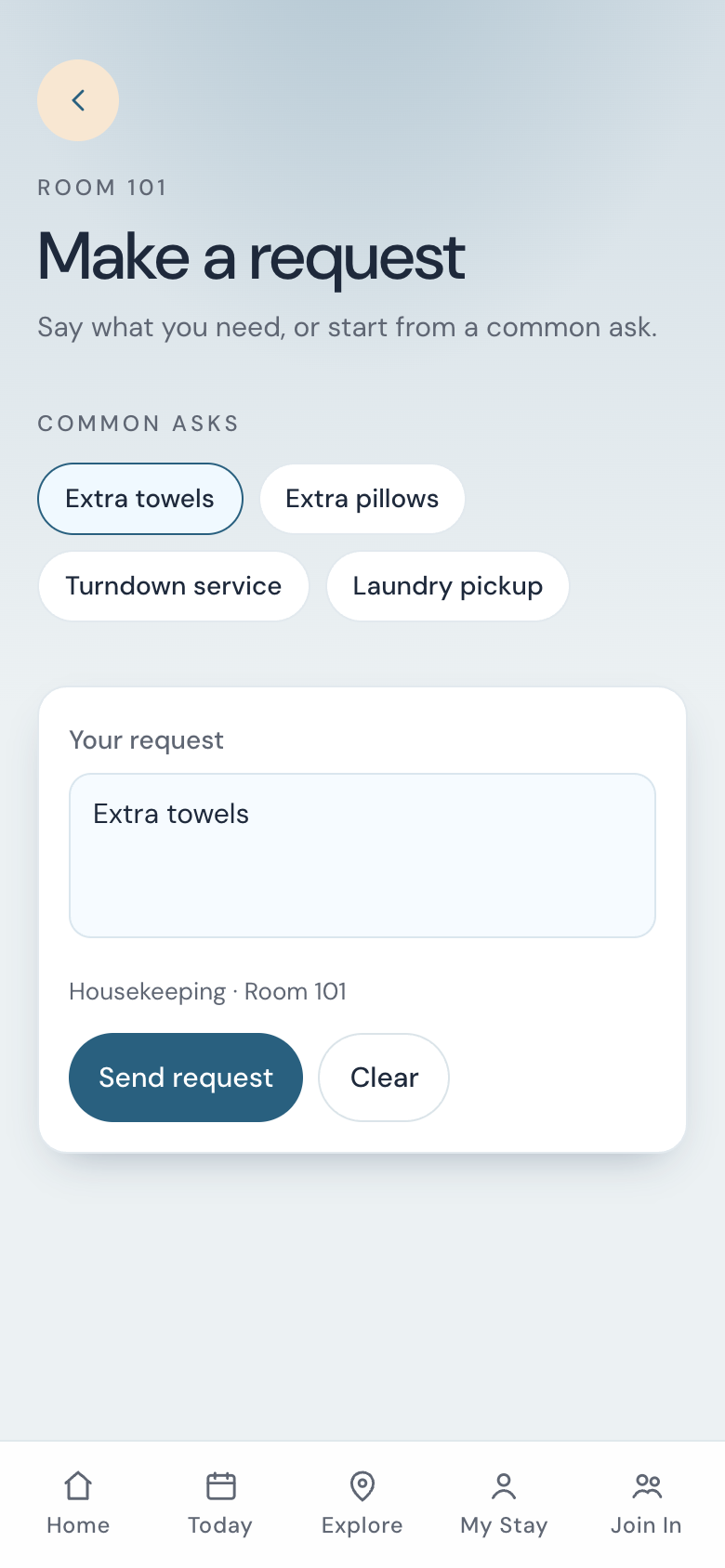
My Stay, then Make a request. A common ask fills the sentence. They can type their own.
-
You are told
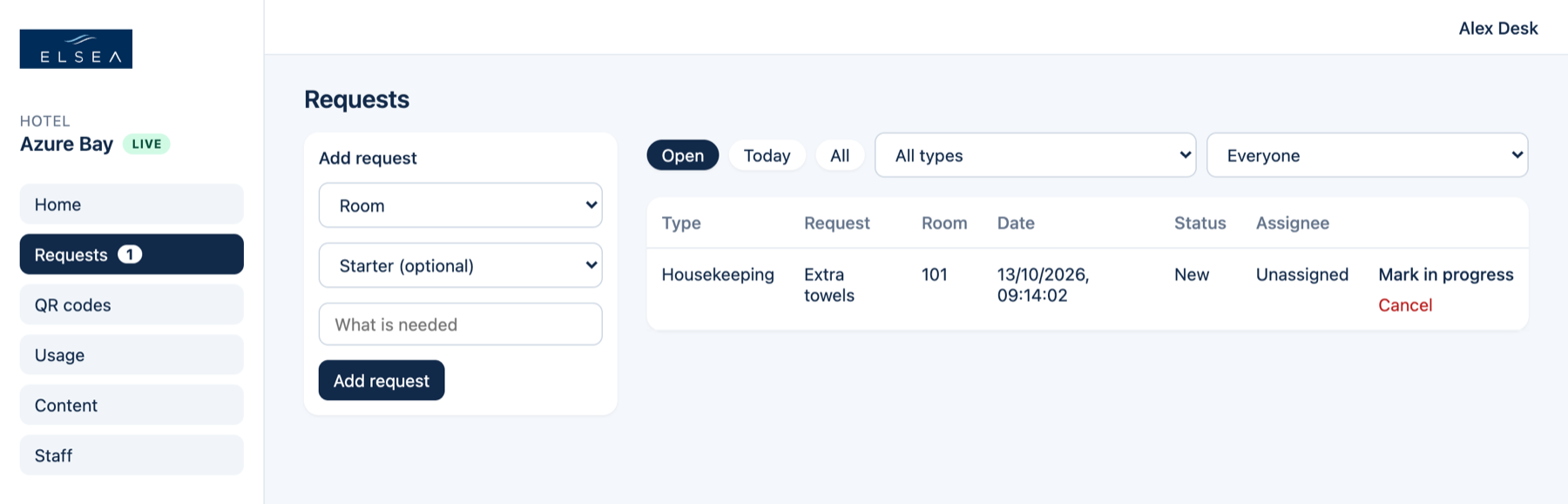
The inbox gets “New Guest Request”, and Requests shows a number.
-
You move it
Mark in progress when someone has it. Mark done when it is finished.
-
They see Done
My Stay shows all three bars filled. Your note sits next to Hotel.
Guest and desk
Guest screens below are the Azure Bay demo. Your hotel’s name, colours, and common asks are the ones you publish.
The three steps
You move the request. The guest watches.
Extra towels
Hotel: Outside the door
Dismiss
That card is what they see on My Stay after you mark it done and leave a note.
- Guest
- Sends the ask. Can cancel while it is New or In progress. Dismisses it once it is Done.
- Anyone at the desk
- Sees every request and can update it. Mark in progress assigns it to you. Desk accounts use the Requests role.
- Manager
- Chooses the inboxes that get each new request, then publishes.