
The console
Offers
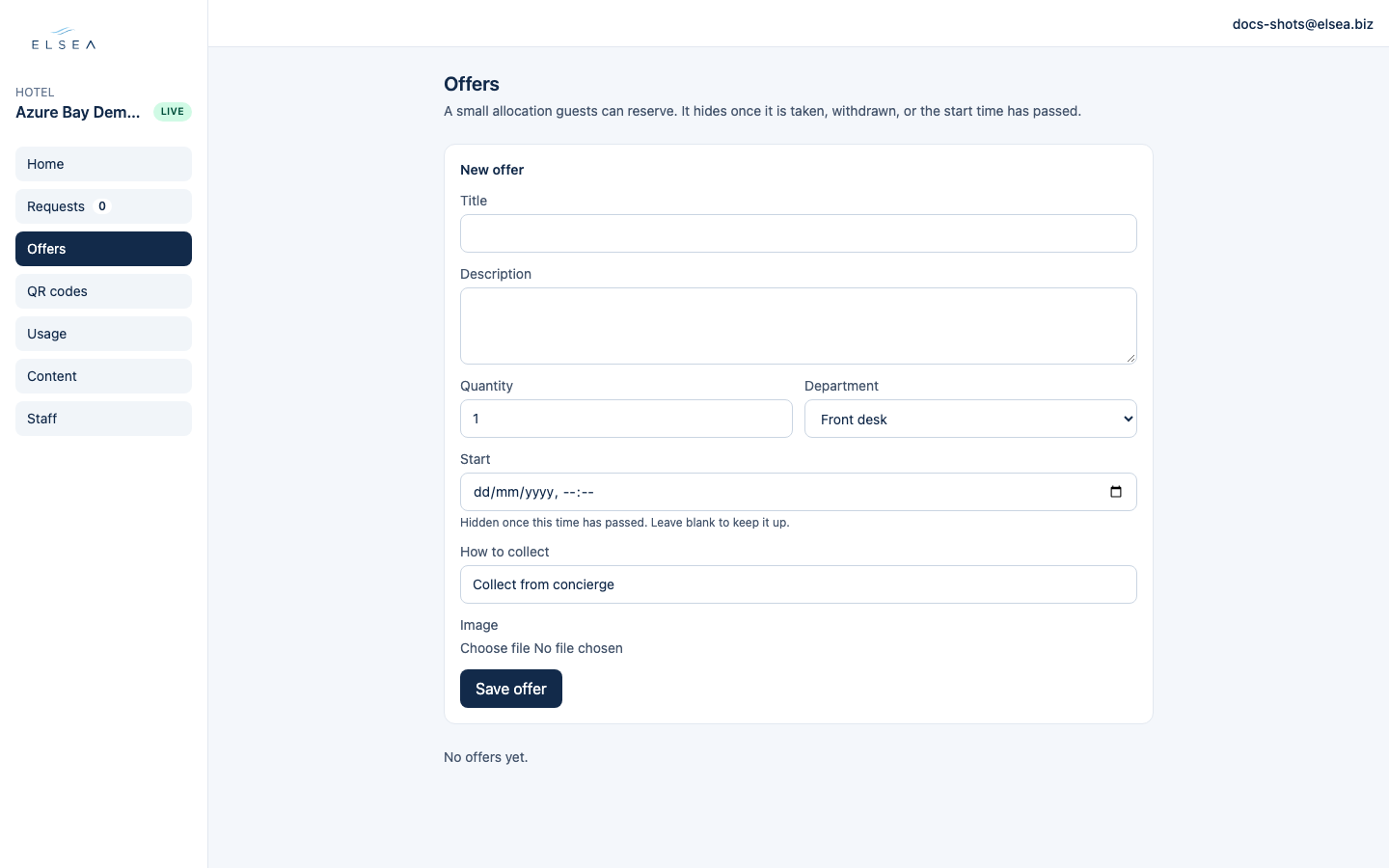
A small allocation guests can reserve. It hides once it is taken, withdrawn, or the start time has passed.
-
Save offer
Title, description, quantity, and department: Front desk, Housekeeping, Maintenance, or Room service. How to collect starts as “Collect from concierge” (you can edit the words). Leave Start blank to keep it up. A manager can add an image.
-
What the guest sees
Available offers appear on the guest Home. When the quantity is fully reserved, the offer hides. Taken reservations also show on Requests with the room.
-
Watch the count
Each offer shows Available, Taken, Expired, or Withdrawn, and how many of the quantity are reserved. A reservation lists the room and a link to Requests.
-
Withdraw or release
Withdraw hides the offer from guests. Restore puts a withdrawn offer back. Release frees a reservation that is still New or In progress, so that slot can be taken again.