
The console
QR codes
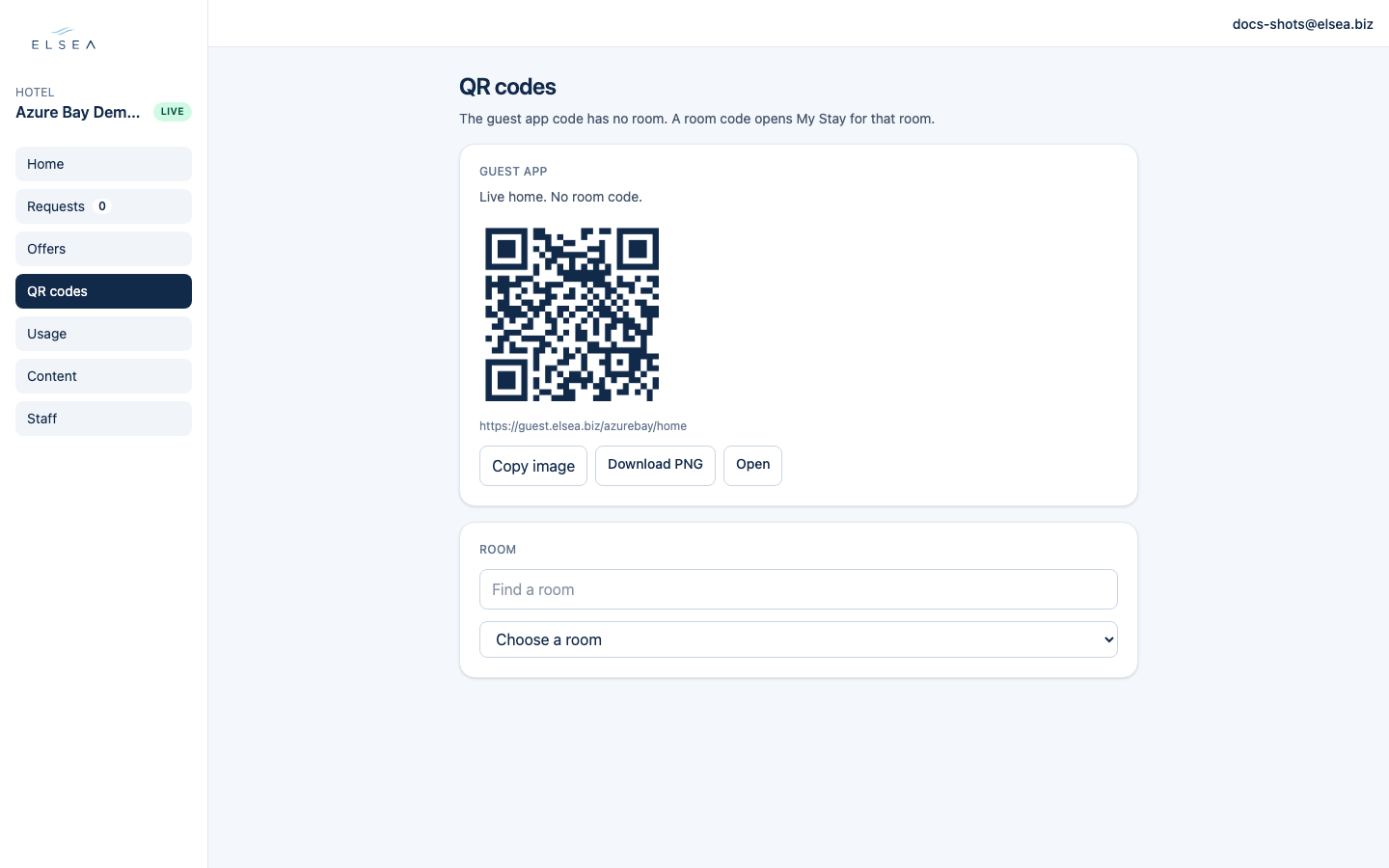
The guest app code has no room. A room code opens My Stay for that room.
-
Guest app
The first card says “Live home. No room code.” Download PNG and put it in the lobby, or anywhere the guest should land on Home.
-
Room
Choose a room, then download that code for the door. More than 12 rooms shows Find a room. Scanning it opens My Stay already set to that room, so a request does not ask them to type it.
-
When room codes are missing
“Room codes are off for this property” means in-room codes are turned off. “No rooms are set” means the list is empty. A manager adds rooms on Content → Requests, then publishes. See Troubleshooting.