
Start
Home
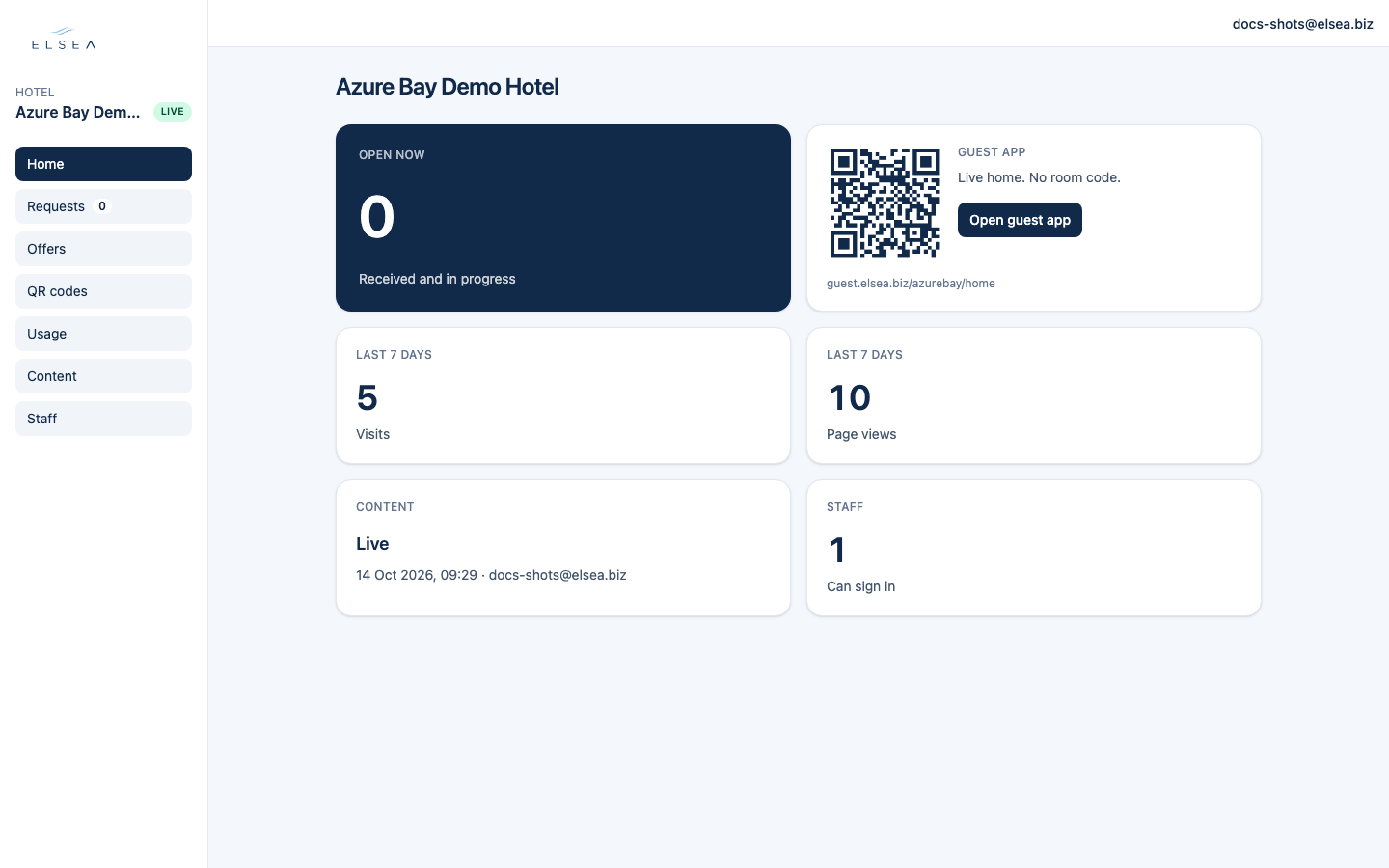
You land here after sign-in. The hotel name is at the top, with a Live or Test badge.
-
Open now
The large number is requests that are New or In progress (the Open filter on Requests). On a phone the caption reads “Yours or not taken yet”. Tap the card to open Requests.
-
Guest app
A code for the lobby. It says “Live home. No room code.” Open guest app opens that page. A room code, which opens My Stay, is on QR codes.
-
Managers see four more cards
Last 7 days visits, last 7 days page views, Content (“Live”, with when it was published, or “Nothing is live yet.”), and Staff (“Can sign in”, plus invited or locked).