
Guest requests
Requests
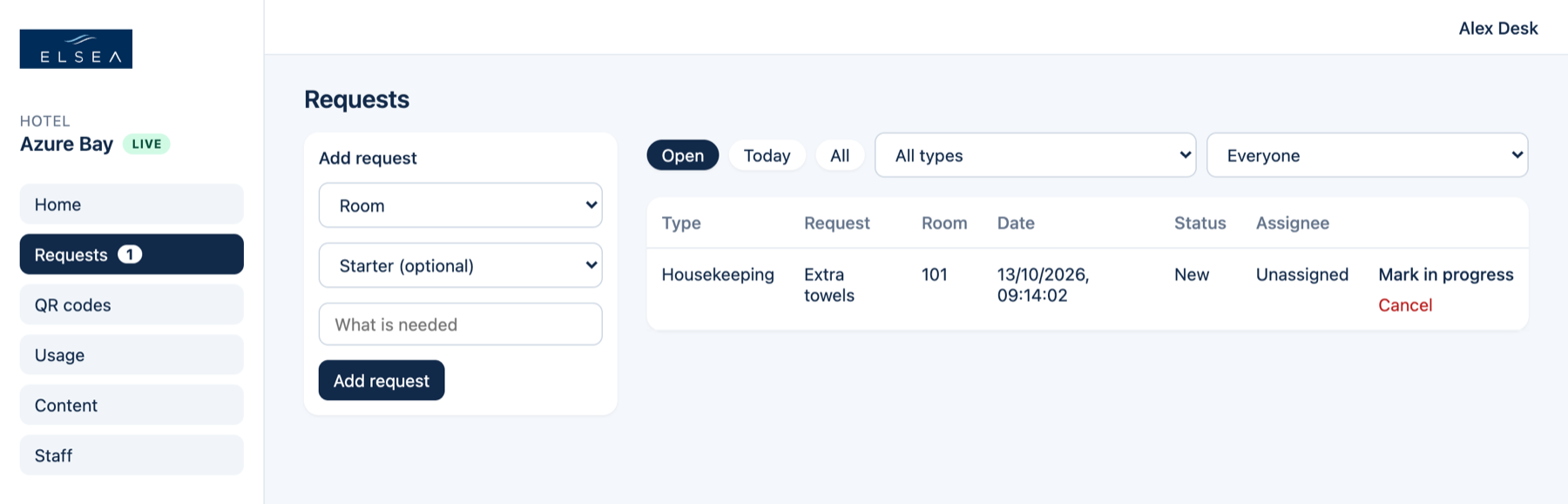
Open is the work still waiting: New plus In progress. Anyone signed in can update any request.
-
Stay on Open
Open is New and In progress, oldest first. Today and All are for looking something up. On a desk you can also filter by department and by who has it.
-
Mark in progress
Use this when someone is on it. The row assigns to you, and the guest’s bar moves to In progress.
-
Mark done
This appears once it is in progress. Add a note if they should know where you left it, up to 200 characters. They see it as Hotel: on My Stay. A blank note still marks it Done.
-
Cancel, if it should stop
Cancel asks you to confirm. Keep leaves it on the list. The guest can cancel too, until it is Done.
-
Add one from the phone
Room, an optional starter, and what they asked for. It joins the same list and sends the same email.