
The console
Staff
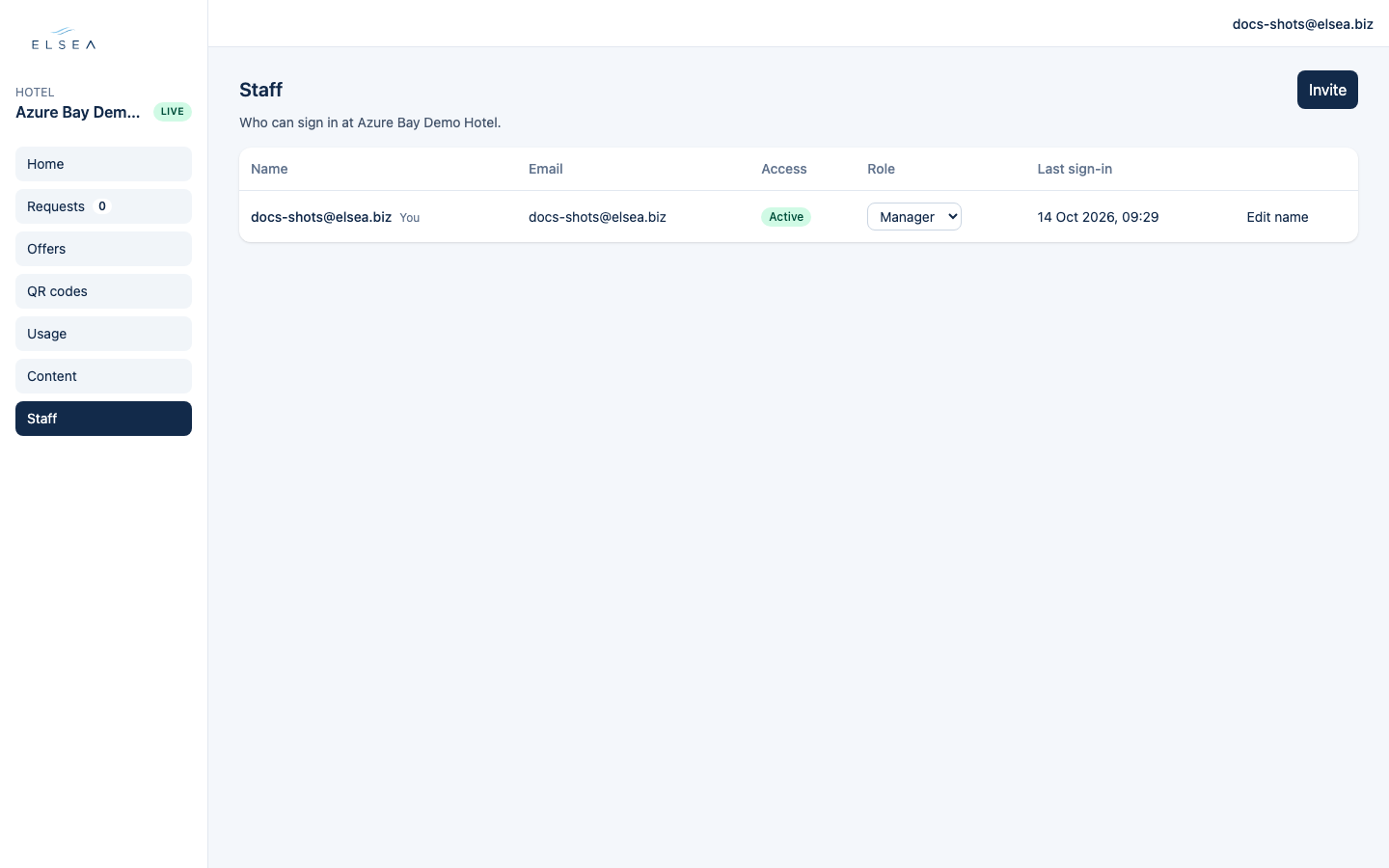
Who can sign in. Invite sends a set-password link. The form does not choose a password.
-
Invite
Role, first name, last name, email, then Send invite. They set a password from the email. If the mail is slow, copy the link shown under the form. Resend invite is there until they set one.
-
Two roles
Requests is the desk role: Home, Requests, Offers, and QR codes. Manager also gets Usage, Content, and Staff. You can change the role later from the table. In this guide, Desk means someone with the Requests role.
-
Access
The table shows Name, Email, Access, Role, and Last sign-in. Access is Active, Invited, Locked, or Disabled. Unlock clears a lockout after five wrong passwords. Turn off removes access. Turn on brings it back. You cannot turn off your own sign-in.